






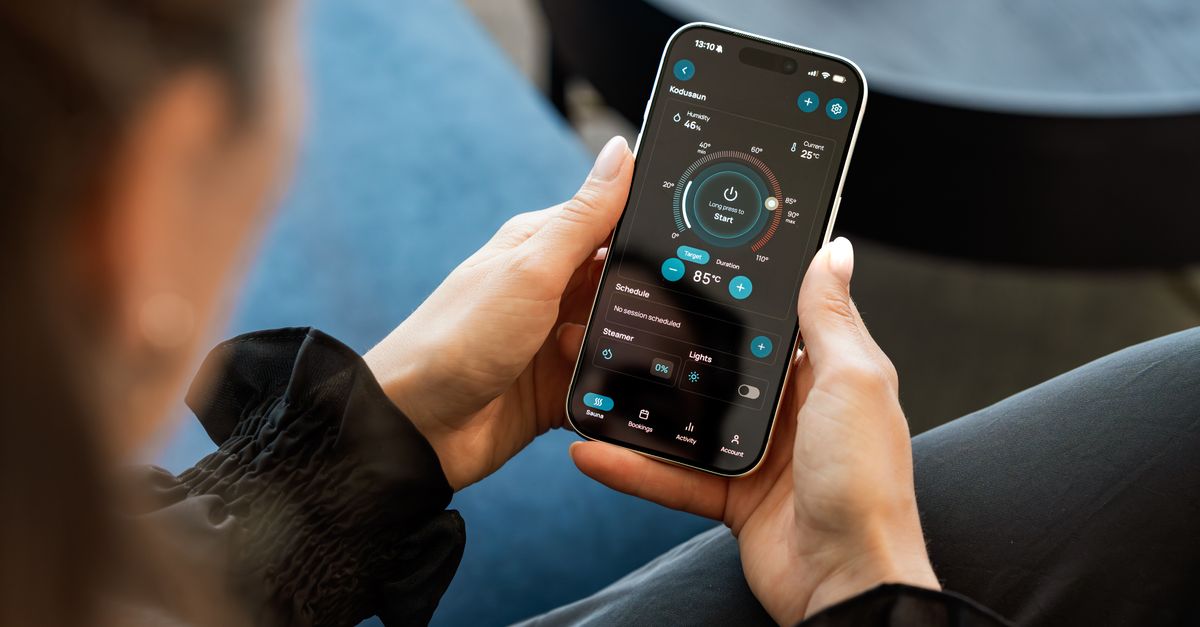
When a phone feels warm after a short call or a long gaming session, most users simply shrug it off as a normal side effect of technology. In reality, heat is a critical performance bottleneck that can throttle CPU speed, drain battery faster, and even cause discomfort or damage over time. Understanding how modern smartphones manage heat is essential for anyone who wants reliable performance, long battery life, and a pleasant user experience.
What Is Smartphone Thermal Management?
Thermal management refers to the combination of hardware and software strategies that keep a device’s internal temperature within safe limits while maximizing performance. It is an engineering discipline that balances heat generation from power‑hungry components with heat dissipation pathways and system‑wide throttling mechanisms.
Key Heat Sources in Modern Smartphones
Every major component in a smartphone generates heat when it consumes power. The most significant sources are:
- CPU and GPU – The processor and graphics engine draw the most power during compute‑intensive tasks.
- Battery – Chemical reactions in the battery itself produce heat, especially during fast charging.
- Modem (5G, Wi‑Fi) – Radio transceivers can generate substantial heat during high‑bandwidth data transfer.
- Display – High‑resolution, high‑refresh‑rate screens consume power and produce heat, particularly in OLED panels with large color gamut.
The cumulative effect of these sources determines the overall thermal load a phone must manage.
Heat Dissipation Techniques in Phone Design
Hardware solutions aim to spread, absorb, and redirect heat away from sensitive components. Key techniques include:
- Metal chassis and heat spreaders – Aluminum or magnesium alloys conduct heat from the processor to the device’s exterior, allowing passive cooling.
- Vapor chambers and heat pipes – Liquid‑filled metal tubes transfer heat efficiently from the hotspot to cooler regions.
- Thermal pads and pastes – These materials fill microscopic gaps between components and the heat spreader, improving thermal conductivity.
- Active cooling (rare) – Some gaming phones use micro‑fans or liquid cooling loops, but these add bulk and cost.
Designers must also consider the impact of the phone’s enclosure material. Plastic cases can insulate heat, while metal cases can act as additional heat sinks.
Software Strategies to Mitigate Heat
Even with the best hardware, software plays a crucial role in controlling temperature. Common software approaches are:
- Dynamic voltage and frequency scaling (DVFS) – The operating system lowers CPU/GPU frequency and voltage when sensors detect high temperature.
- Thermal governors – These policies decide when to throttle performance, reduce background tasks, or adjust screen brightness.
- App‑level throttling – Some applications, especially games, implement their own heat management to prevent overheating.
- Battery management algorithms – Fast‑charging protocols monitor temperature and reduce charging speed if thresholds are exceeded.
While software can protect the device, it often sacrifices performance, leading to a noticeable dip in frame rates or processing speed during prolonged use.
Thermal Performance Across Phone Classes
Different market segments prioritize thermal design in varying degrees. Below is a snapshot of how flagship, gaming, mid‑range, and budget phones typically handle heat.
| Segment | Typical Heat Source | Common Cooling Strategy | Real‑World Performance Impact |
|---|---|---|---|
| Flagship | CPU/GPU, 5G modem | Metal chassis + vapor chamber, advanced DVFS | Consistent 90-100 % performance under 30 °C ambient; throttles after ~40 °C |
| Gaming | GPU, battery during fast charge | Micro‑fan or liquid loop, aggressive throttling | Maintains 60 fps at 120 Hz for ~30 min; drops to 30 fps after 45 min |
| Mid‑range | CPU, display | Metal chassis, passive cooling | Performance drops at ~35 °C ambient; stable at 25-30 °C |
| Budget | CPU, battery | Plastic chassis, minimal heat spreader | Throttle after 30 °C ambient; noticeable slowdown in heavy apps |
These figures are derived from publicly available benchmark reports and user observations. They illustrate the trade‑off between performance and thermal safety across price points.
Measuring and Monitoring Phone Temperature
Accurate temperature data is essential for diagnosing heat issues. Most smartphones expose internal sensors through system APIs, which can be accessed by dedicated apps. Popular choices include:
- CPU-Z – Displays core temperatures and voltage.
- 3C Toolbox – Offers a comprehensive thermal readout, including battery temperature.
- AccuBattery – Tracks battery temperature during charging cycles.
For professional testing, external infrared thermometers or thermal cameras can provide surface temperature readings. These tools help validate whether a phone’s cooling system is effective under controlled conditions.
Common Misconceptions About Phone Heat
Case Material Is the Biggest Culprit
While a thick plastic case can trap heat, many high‑end phones with metal cases still run hot due to internal component load. The key is the case’s thermal conductivity, not just its material type.
Fast Charging Always Means Hot
Fast charging protocols (e.g., 20 W or 30 W) incorporate temperature checks that reduce current flow if the battery exceeds safe limits. Users rarely experience overheating unless the phone is used concurrently with a high‑power app.
High Screen Brightness Is the Sole Heat Driver
While brightness contributes to heat, the processor and modem are often larger contributors, especially during gaming or streaming. Reducing brightness alone will not fully mitigate overheating.
Practical Tips to Keep Your Phone Cool
- Choose a metal or hybrid chassis – These designs aid passive cooling.
- Use a case with heat‑dispersing features – Some cases incorporate carbon‑fiber or heat‑conductive layers.
- Limit simultaneous high‑load tasks – Avoid running a battery‑heavy game while streaming video.
- Charge with a lower‑power adapter during heavy use – 18 W or 15 W chargers are safer for extended sessions.
- Keep the phone in a cool environment – Avoid direct sunlight or hot rooms for extended periods.
- Monitor temperature with a trusted app – Spot sudden rises and pause intensive activities.
Future Trends in Smartphone Thermal Design
Manufacturers are exploring several emerging technologies to push the boundaries of heat management:
- Graphene heat spreaders – Graphene’s exceptional thermal conductivity could replace traditional metal spreaders.
- Phase‑change materials (PCM) – These substances absorb heat during the phase change, maintaining a stable temperature.
- Liquid cooling loops – Miniaturized loops that circulate coolant across the chipset are being tested in high‑performance prototypes.
- AI‑driven thermal prediction – Machine‑learning models can anticipate heat spikes and pre‑emptively throttle components.
While many of these solutions remain experimental, they point toward a future where phones can deliver flagship performance without compromising comfort.
Choosing a Phone Based on Thermal Performance
When selecting a device, consider the following checklist:
- Read thermal benchmarks from reputable reviewers – Look for temperature curves during sustained gaming or video playback.
- Check the chassis material and cooling features – Metal chassis and vapor chambers are strong indicators of robust cooling.
- Verify software thermal policies – Some manufacturers publish their thermal governor settings; others provide user‑controlled temperature thresholds.
- Consider real‑world usage scenarios – If you plan to game for long sessions, prioritize phones known for low heat generation.
- Balance performance and battery life – A phone that throttles early may preserve battery but will feel sluggish.
By integrating these factors, you can choose a phone that meets your performance needs without the discomfort of excessive heat.
Conclusion
Heat is an inevitable byproduct of high‑performance smartphones, but it need not be a source of frustration. Understanding the interplay between hardware cooling solutions, software throttling, and user habits empowers you to make informed choices. Whether you’re a gamer, a professional, or a casual user, a phone that manages heat effectively will deliver smoother performance, longer battery life, and a more pleasant experience. Keep an eye on emerging technologies, monitor your device’s temperature, and adopt practical cooling habits to stay cool in 2026 and beyond.
Leave a comment