





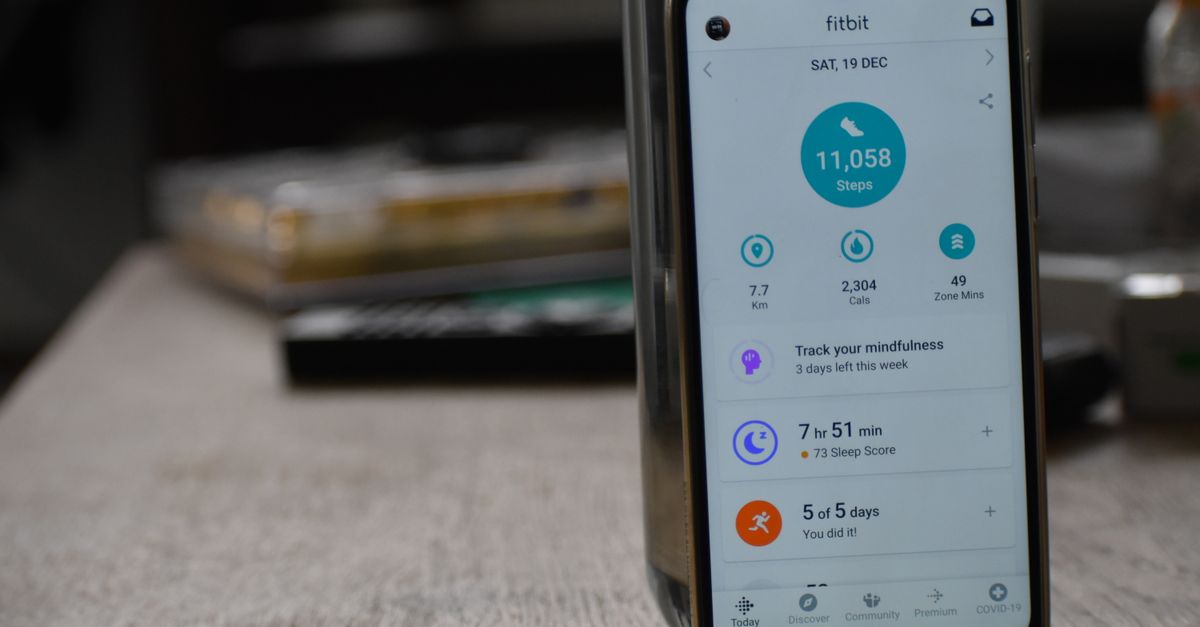
If you spend your days running, cycling, or hitting the gym, your phone often becomes the hub that records your metrics, syncs with wearables, and keeps you motivated. Choosing a smartphone that serves as a reliable fitness companion requires more than a fast processor or a sleek design. You need a device that accurately captures movement, delivers long battery life, and integrates seamlessly with the ecosystem of fitness apps and wearables you already use.
Understanding What Fitness Tracking Requires From a Phone
Core Sensors: GPS, Accelerometer, Heart Rate
At the heart of every fitness phone are its motion and location sensors. A high‑quality GPS module provides precise distance and pace data, especially important for outdoor activities. The accelerometer and gyroscope track steps, cadence, and activity type. Some premium models also include an optical heart‑rate sensor, allowing you to monitor heart rate without a separate watch. When evaluating a phone, check the sensor specifications in the technical sheet and read independent reviews that test accuracy against industry standards.
Software Ecosystem: HealthKit, Google Fit, Wearable APIs
Hardware is only part of the equation. The operating system must expose sensor data to health and fitness apps. iOS offers HealthKit, a unified platform that aggregates data from multiple sources, while Android relies on Google Fit and manufacturer‑specific APIs. A robust ecosystem means that the phone can receive data from smartwatches, bike computers, and even third‑party sensors without cumbersome pairing steps.
Battery Life for Long Workouts
Power Management Features
Extended battery life is critical when you’re on the move for hours. Look for phones that support aggressive power‑saving modes, adaptive battery charging, and efficient display technologies like OLED or LTPO that dim pixels when not needed. Many manufacturers now offer a “Workout” mode that limits background activity and keeps the screen bright only when you’re actively exercising.
Real-World Usage Scenarios
A phone that lasts a full day on a single charge may still struggle during a 3‑hour triathlon if the GPS and sensor suite are constantly active. Test the device by running a 30‑minute cardio session while monitoring battery percentage. If the phone drops below 20% during the workout, you’ll need to carry a portable charger or choose a model with a larger battery capacity.
Wearable Compatibility and Ecosystem Integration
Android vs iOS
Both platforms support a wide range of wearables, but the experience differs. iOS offers a tightly integrated environment where an Apple Watch automatically syncs with the iPhone, and many health apps pull data directly from the watch. Android users benefit from a broader range of third‑party devices and more flexible pairing options. Consider which ecosystem aligns with your existing devices.
Smartwatch and Fitness Band Integration
Check whether the phone’s Bluetooth Low Energy stack is compatible with the wearables you own. Some manufacturers lock certain features behind proprietary firmware, which can limit data sharing. For example, a Samsung Galaxy phone pairs seamlessly with a Galaxy Watch, but it may not expose all sensor data to generic fitness apps. If you rely on a Garmin or Fitbit, ensure the phone’s BLE stack supports continuous data transfer without frequent reconnections.
Display and Usability for On-the-Go
Screen Size and Readability
During a workout you’ll often glance at the phone’s display to check metrics. A screen that is too small or poorly illuminated can be a distraction. Aim for a 6‑inch or larger display with a high refresh rate (90 Hz or more) and HDR support for clear visibility in bright sunlight. OLED panels also provide deeper blacks, which can reduce eye strain during night runs.
Touch Response and Gestures
Fast, responsive touch input is essential when you’re moving quickly. Some phones use capacitive sensors that remain sensitive even when wearing gloves. Additionally, gesture controls that allow you to pause a workout or switch screens without touching the device can enhance safety, especially while cycling.
Connectivity Options for Real-Time Tracking
5G vs LTE
Real‑time data sync with cloud services or team training platforms benefits from low‑latency 5G. However, 5G coverage is still uneven in many regions, and it can accelerate battery drain. For most fitness users, LTE provides sufficient speed for uploading workout data after the session, while 5G is a bonus for live streaming or using AR coaching apps.
Bluetooth Low Energy (BLE) Stability
BLE is the standard for wearable communication. A phone that supports BLE 5.0 or higher offers improved range, lower power consumption, and faster data transfer. Look for user reports that confirm stable connections over 30 meters, which is useful when running on a track or cycling on a long trail.
Health Apps and Data Privacy
Built-in Health Apps
Both iOS and Android provide native health dashboards that aggregate data from the phone, wearables, and third‑party apps. A phone that supports a robust built‑in app reduces the need for additional downloads and ensures that data stays on the device until you choose to upload it.
Third-Party App Ecosystem
Popular fitness apps like Strava, MyFitnessPal, and Nike Run Club rely on the phone’s APIs to pull sensor data. Verify that the phone’s OS version is compatible with the latest app releases. Some manufacturers release custom skins that can interfere with app performance, so a stock or minimally modified OS is often preferable.
Data Security Practices
Health data is sensitive. Ensure that the phone’s OS encrypts data at rest and uses secure communication channels (HTTPS, TLS) when syncing with cloud services. If you’re concerned about privacy, check whether the manufacturer offers a “privacy mode” that restricts background data collection during workouts.
Budget vs Premium – What to Expect
Mid-Range Options
Mid‑tier phones like the Google Pixel 8 and Samsung Galaxy S24 Ultra offer solid GPS accuracy, decent battery life, and strong app support at a fraction of the flagship price. They often include a dedicated fitness mode and a clean interface that keeps workout data front and center.
Flagship Features
Flagship models such as the iPhone 15 Pro Max or the Samsung Galaxy S24 Ultra boast the most advanced sensors, larger batteries, and premium displays. They also provide the best integration with high-end wearables and the most frequent software updates, ensuring that new fitness features are available promptly.
Hidden Costs
Consider subscription fees for premium health apps, costs of compatible wearables, and the price of power banks or charging cables. A cheaper phone may save money upfront but could require additional purchases to achieve the same fitness experience.
Case Study Comparison Table
| Phone | Key Fitness Features | Verdict |
|---|---|---|
| iPhone 15 Pro Max | Apple Watch integration, HealthKit, 18‑hour battery, OLED display, 5G, optical heart rate sensor | Best for users invested in Apple’s ecosystem and looking for premium build quality. |
| Samsung Galaxy S24 Ultra | Galaxy Watch compatibility, Google Fit, 5000 mAh battery, LTPO OLED, 5G, optional heart rate sensor | Top choice for Android lovers who want a large screen and strong battery life. |
| Google Pixel 8 Pro | Pixel Watch integration, Google Fit, 4500 mAh battery, OLED, 5G, optical heart rate sensor | Ideal for users who prefer a clean Android experience and frequent software updates. |
Common Mistakes When Choosing a Fitness Phone
Ignoring Sensor Accuracy
Many phones advertise a “high‑accuracy GPS” feature, but real‑world performance can vary. Always read benchmark reviews that compare distance, pace, and elevation data against professional GPS units.
Overlooking Battery Drain
A phone that lasts a full day on standby may still deplete quickly during an intense workout. Test the battery under load and factor in the power consumption of connected wearables.
Neglecting Software Updates
New fitness features often arrive through OS updates. A phone that stops receiving updates after two years may miss critical security patches and app compatibility improvements.
Final Tips and Next Steps
Test the Phone with Your Wearable
Before buying, pair the phone with your smartwatch or fitness band and run a typical workout. Observe connection stability, data sync speed, and how the phone’s display presents metrics.
Check Reviews for Real-World Performance
Look for reviews that focus on outdoor activities, long battery usage, and multi‑app scenarios. Pay attention to comments about sensor drift, app lag, and charging times.
Consider Refurbished Models
Certified refurbished phones often come with a warranty and can offer significant savings. Make sure the refurbishment process includes a full OS refresh and that the battery health is within 90 % of original capacity.
Conclusion
Choosing a smartphone for fitness tracking is a balance between hardware precision, battery endurance, and ecosystem support. By focusing on sensor quality, battery performance, wearable integration, and data privacy, you can select a phone that not only records your workouts accurately but also motivates you to keep moving. Use the comparison table as a starting point, test the devices in real‑world scenarios, and keep an eye on future software updates to ensure your fitness phone remains a reliable companion for years to come.
Leave a comment