






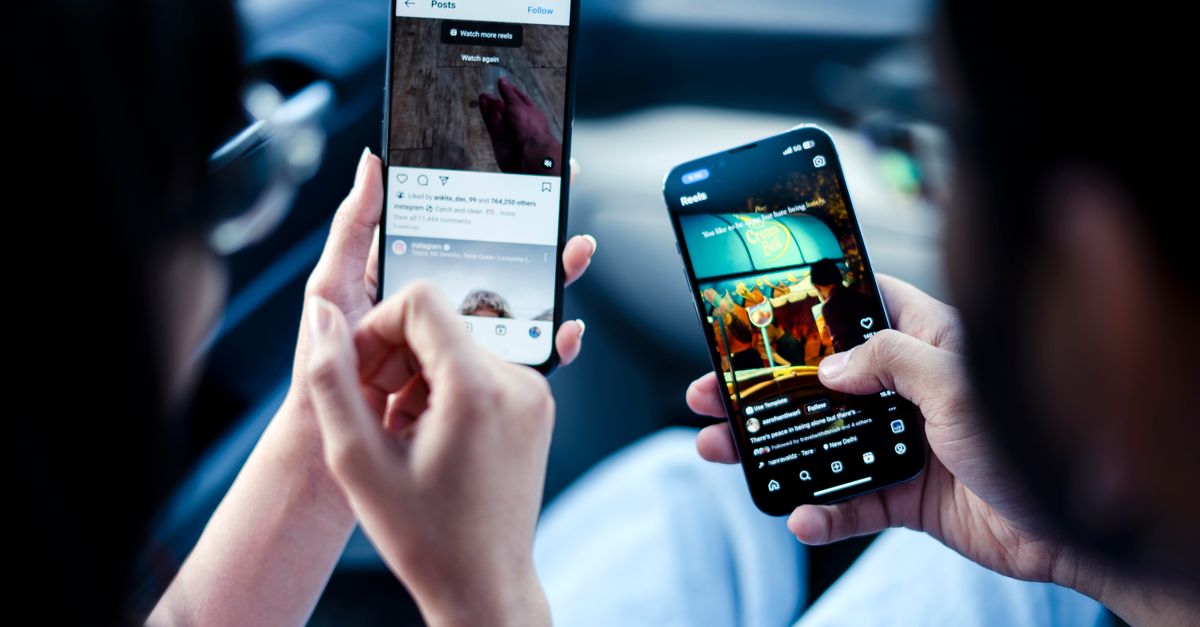
For people who work from a coffee shop in Kyoto, a hostel in Lisbon, or a coworking space in Nairobi, the smartphone is more than a communication tool; it is a lifeline. It must stay charged, support multiple networks, withstand rough handling, and offer a reliable workflow. Choosing the right phone for this lifestyle is a nuanced decision that balances performance, portability, and resilience. This guide breaks down the most critical factors and provides actionable advice so you can pick a device that keeps pace with your nomadic life.
1. Connectivity and Network Compatibility
When you move between countries, the network environment changes dramatically. A phone that only supports a handful of bands will leave you stranded on a beach in Thailand or a mountain in Peru. Prioritize devices that advertise global 5G support and a broad range of LTE bands. Additionally, look for dual‑SIM or eSIM capabilities; they allow you to keep a local data plan while retaining your primary number. Many travel‑friendly phones now include a built‑in VPN app or a dedicated secure mode that encrypts data on public Wi‑Fi networks.
Practical Steps to Verify Band Support
- Check the manufacturer’s official specifications for a list of supported frequency bands.
- Cross‑reference the list with the carrier information of the countries you plan to visit.
- Use online tools that simulate your device’s coverage in target regions.
- Read user forums for anecdotal confirmation of real‑world connectivity.
2. Battery Life for Long Trips
Long flights, layovers, and remote work sessions can drain a phone’s battery faster than you expect. A nomad phone should offer at least 10-12 hours of moderate use on a single charge. Fast‑charging support is a non‑negotiable feature; a 20‑minute 15‑W charger that brings you to 50% can be a lifesaver. Some phones also feature wireless charging, which can be handy when you’re staying in a hotel that offers charging pads.
Common Mistakes with Battery Expectations
- Assuming a 4000‑mAh battery automatically means long endurance; software optimization matters.
- Ignoring the impact of background apps that drain power silently.
- Choosing the smallest phone for portability without considering its battery capacity.
3. Portability and Size
Weight and dimensions directly affect comfort when you’re constantly on the move. A phone that fits comfortably in a single hand and a small pocket is ideal. However, a larger display can improve productivity for tasks like email, spreadsheets, and video calls. The key is to find a sweet spot where the screen is large enough for work but small enough to travel light. Many nomads prefer 6-6.5‑inch displays balanced with a 6‑inch body.
Actionable Tip: Measure the Phone’s Weight and Dimensions
- Compare the phone’s weight to a standard 200‑gram smartphone.
- Check the overall dimensions against a typical travel pouch.
- Test the phone’s grip in your hand before buying.
4. Camera for Travel Moments
While work is a priority, capturing memories is also part of the nomad experience. A phone with a versatile camera system,wide, ultra‑wide, and macro,enables you to document landscapes, street food, and cityscapes. Features like optical image stabilization (OIS), high‑resolution sensors, and low‑light performance elevate the quality of your photos. If you plan to vlog or stream, look for a front camera with at least 10‑megapixel resolution and a wide aperture.
What to Look For in Camera Specs
- Sensor size: larger sensors capture more light.
- OIS: reduces shake, especially in low light.
- Software processing: AI‑enhanced HDR can improve dynamic range.
5. Security Features for Sensitive Work
As a digital nomad, you often handle confidential information. A phone that offers hardware‑level encryption, a secure enclave, and biometric authentication provides a strong defense against data breaches. Some manufacturers also bundle a reputable security app that monitors for phishing or malware. If you’re using the phone for financial transactions, ensure it supports two‑factor authentication and secure payment methods like NFC.
Best Practices for Phone Security
- Enable a strong passcode and biometric lock.
- Keep the operating system and apps up to date.
- Use a reputable VPN for public Wi‑Fi.
- Regularly back up data to a cloud service with encryption.
6. Software Ecosystem and App Availability
Productivity on the go hinges on the software ecosystem. A phone that supports a wide range of professional apps,email clients, VPNs, cloud storage, and remote desktop,will keep you efficient. Compatibility with cross‑platform services (iCloud, Google Drive, Dropbox) ensures that files flow seamlessly between your phone, laptop, and tablet. If you rely on specific workflow tools, check that the phone’s operating system supports them.
7. Durability and Build Quality
Travel exposes devices to dust, moisture, and accidental drops. Phones with an IP68 rating can survive immersion up to 1.5 meters for 30 minutes, while a sturdy aluminum or ceramic back adds structural strength. A rubberized frame or a reinforced glass screen can mitigate damage from falls. If you frequently travel by train or bus, consider a phone with a built‑in battery backup or a detachable power bank.
Common Durability Oversights
- Assuming a sleek design guarantees shock resistance.
- Neglecting to purchase a screen protector in advance.
- Ignoring the phone’s water resistance rating when traveling in wet climates.
8. Price vs. Value: Finding the Right Balance
High‑end flagship phones offer premium features but come with steep prices. Mid‑range models often deliver comparable performance for a fraction of the cost. When evaluating value, compare the cost of the phone to the expected lifespan and the frequency of upgrades. A device that supports 5G and future software updates will extend its useful life, reducing the total cost of ownership.
How to Estimate Long‑Term Cost
- Calculate the annual depreciation based on the purchase price and expected lifespan.
- Add the cost of necessary accessories (cases, chargers, screen protectors).
- Include potential repair costs if the device is not repair‑friendly.
- Subtract the value of software updates that keep the phone secure.
9. Comparison Table of Nomad‑Friendly Phones
| Phone | Battery | Connectivity | Camera | Build | Price Tier |
|---|---|---|---|---|---|
| Flagship A | High | Global 5G | Advanced | Premium | High |
| Mid‑Range B | Medium | Global LTE, 5G | Solid | Standard | Medium |
| Budget C | Medium | Regional LTE | Basic | Standard | Low |
| Repair‑Friendly D | High | Global LTE, 5G | Solid | Repairable | Medium |
| Compact E |
Leave a comment